Virtual RCP App by ProVideo
The app that puts you in control!
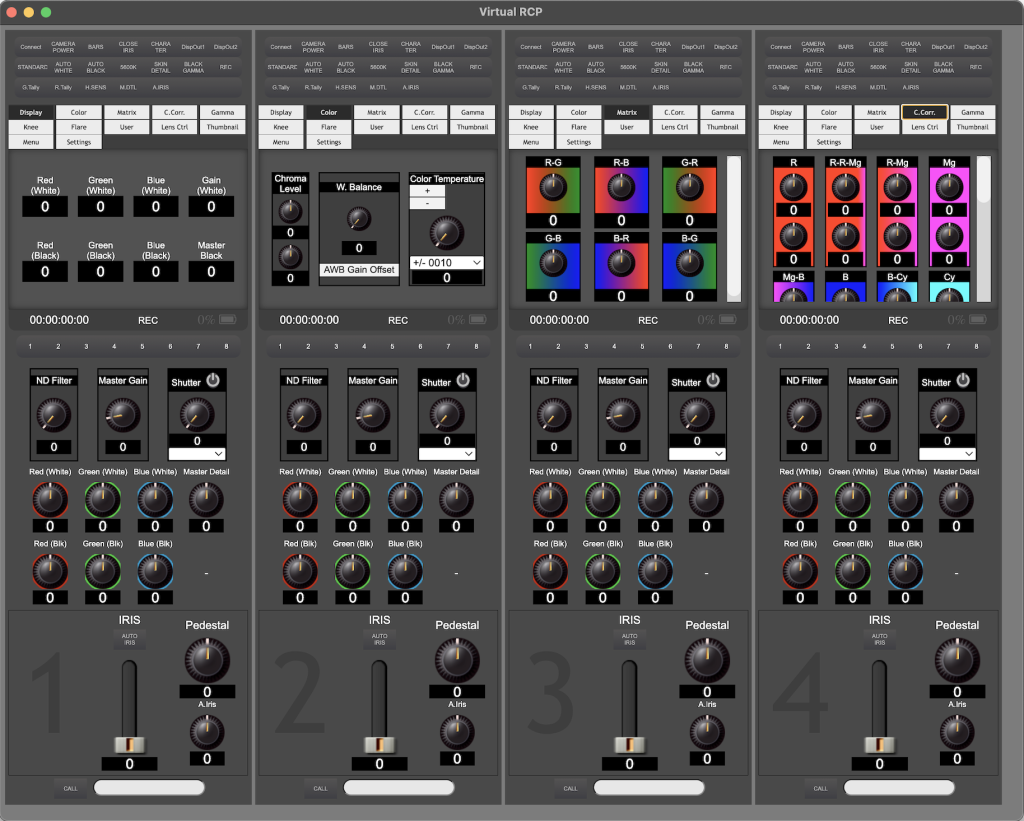
What does it do?
This app connects to the Panasonic AG-CX350 Video Camera over the network, either Wired or Wireless, and allows you to change camera settings remotely from an OB Truck or Broadcast Control Room.
Take full-control over all of the cameras in your multi-cam video production.
This is your “Virtual” Remote Control Panel (vRCP). This software that allows you, the Video Engineer, to control your Prosumer video cameras just like broadcast trucks control broadcast cameras with hardware such as an RCP & CCU. With VirtualRCP running on your computer you get the same broadcast-level control over your cameras with just running an app on your computer.
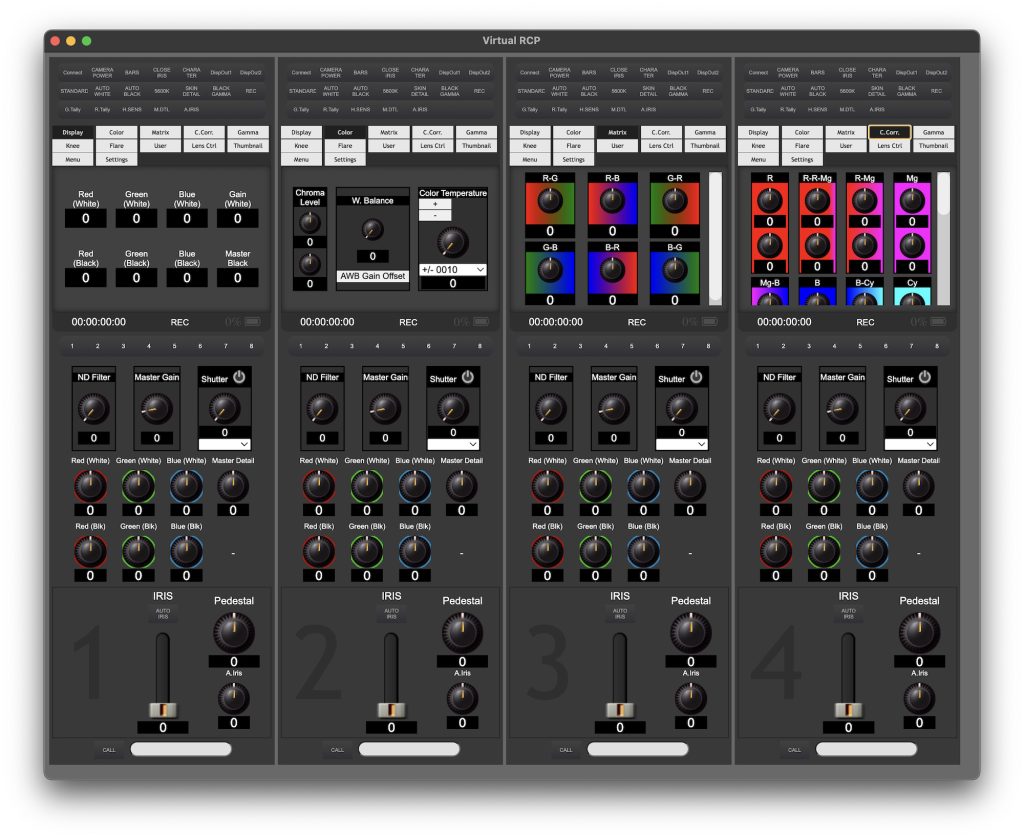
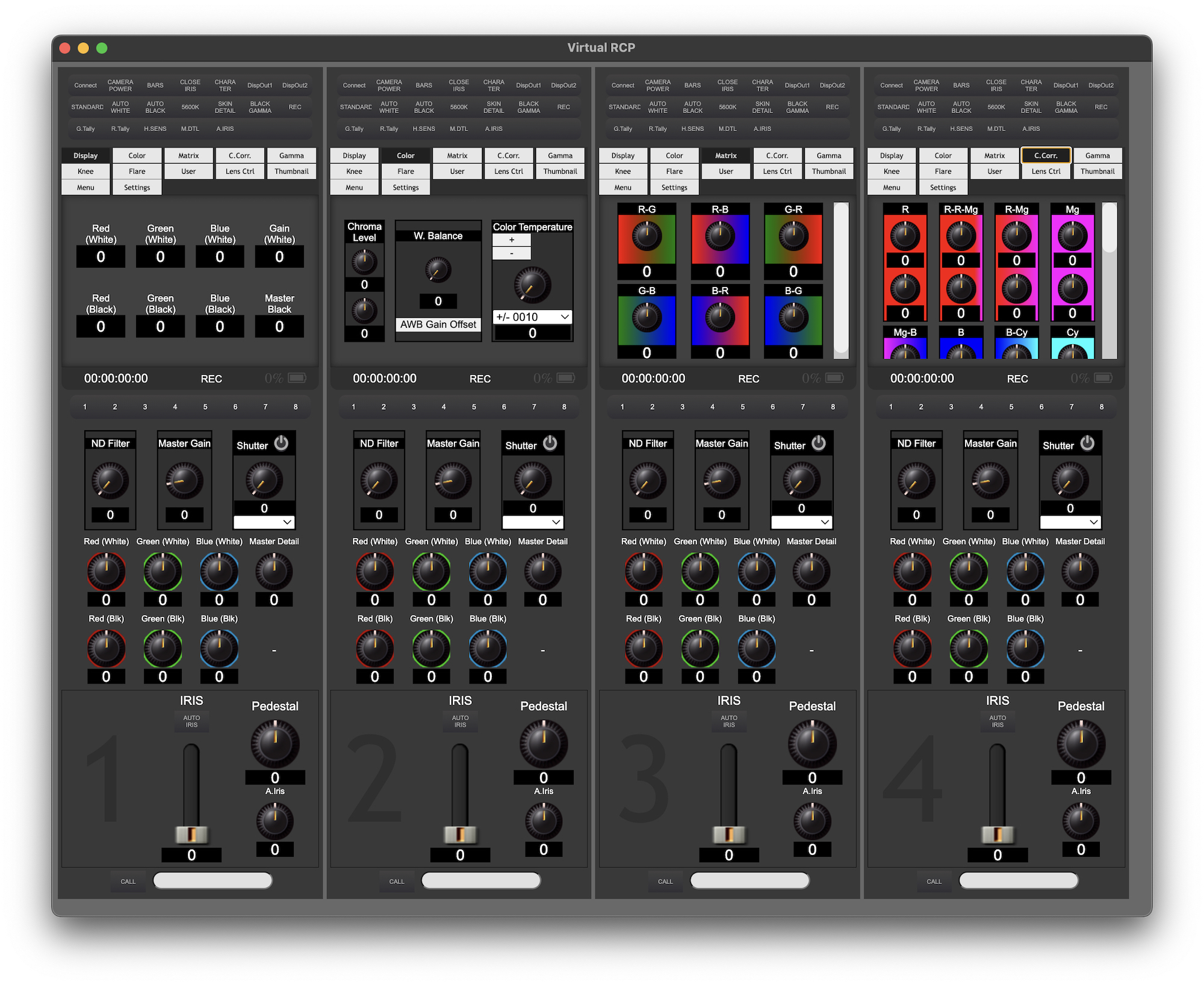
Basic Features
Control the following parameters & more…
- Iris, Auto-Iris & A.Iris Adj.
- Pedestal
- ND Filters
- Master Gain
- Shutter, On/Off, Adjust shutter speeds.
- Trigger Camera to Record
- Trigger Auto White Balance (AWB)
- Trigger Auto Black Balance (ABB)
- Trigger Bars
- View Power Status: Shows if camera is plugged into wall-power. When camera is running on battery power the indicator will show life of battery.
- View Timecode
- RGB (White)
- RGB (Black)
- Master Detail
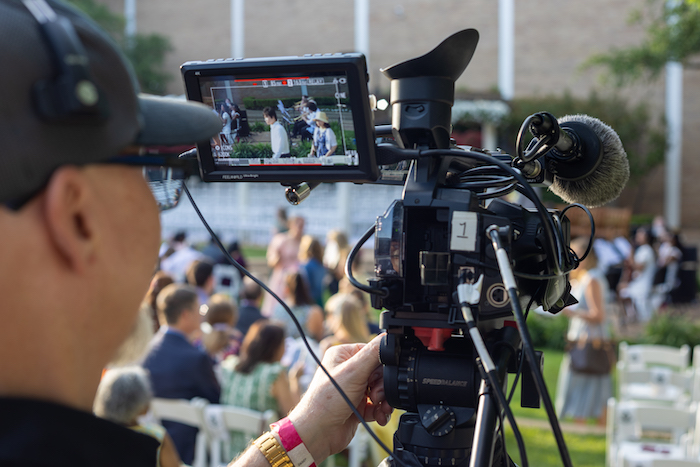
Tally on Monitor
When you connect VirtualRCP to an ATEM Video Switcher the Program & Preview tally data can be sent to each camera and can be displayed to the Camera Op’s view finder, LCD screen & also output to the HDMI or SDI outputs (whatever screen has “character” enabled will display.)
Trigger Record on all cameras at the same time!
You can trigger and monitor recording status on each camera with the VirtualRCP App. This helps Video Engineers ensure the cameras are recording in-camera ISO’s.